

Once you have created your first Elementor page templates using the Templater plugin, you can easily manage them through the settings.
Rename a template (Elementor page templates)
Go to the Templater item in your WordPress Dashboard and find your created template in the appropriate section. Each item has a Rename button that is used to change the title in a few clicks.

Change conditions
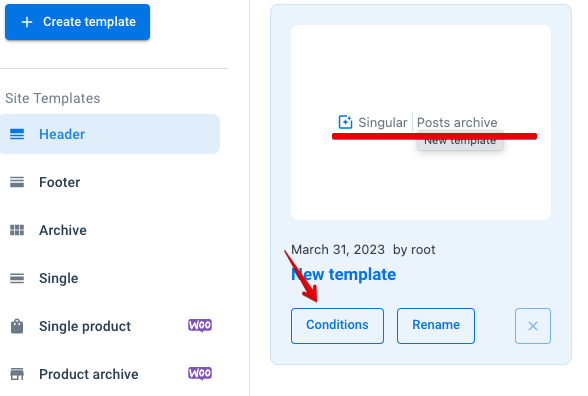
Each template item has a Conditions button that is used to change the conditions of the templates. To see the current conditions of the template without pressing the button, just hover over the item.
Delete a template
Each template item has a Cross button that is used to delete the template.
